Type Arabic with English letters, click the Arabic keys, or use Smart word suggestions. Format your text, then copy it or save a Word document or image.
Your Arabic workspace Your draft stays in this browser
Type Arabic sounds using English letters. Letter suggestions work directly in your browser.
Loading keyboard…
Arabic keys and phonetic typing work in your browser. Smart word suggestions need an internet connection.
Learn the keyboard
Three ways to type Arabic in one workspace
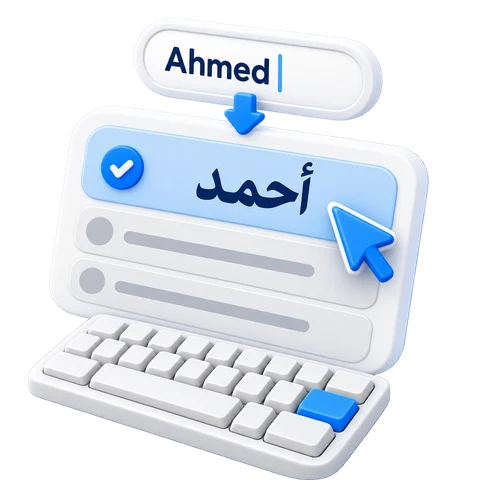
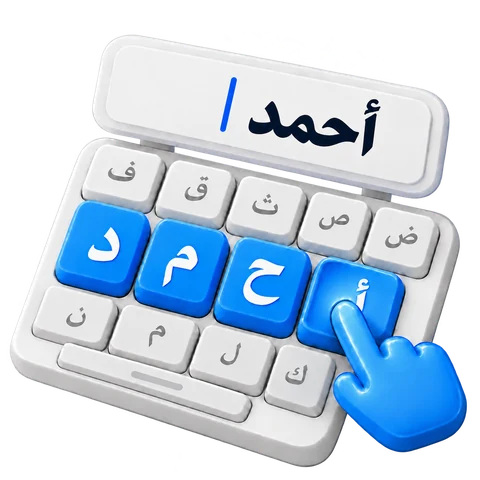
Choose the method that matches how you think about Arabic: English sounds with Fast, complete word candidates with Smart, or direct Arabic key positions with Simple.
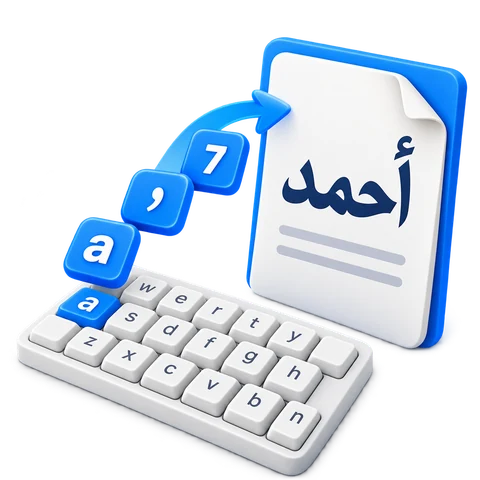
Fast keyboard examplea'7md
Arabic text you can editأحمد
These text examples come from the keyboard. Arabic remains selectable text; this comparison is not an editor screenshot.
Change the appearance of the complete draft from Text style. Start with Noto Kufi Arabic at 22 px, then adjust it for your task.
What the style controls change
Open Text style to choose a font, set a size from 12 to 120 px, change the text color, or apply bold, italic, underline, and strikethrough. These settings apply to the whole draft rather than a selected phrase.
Text direction is independent of the interface language. Keep right-to-left for an Arabic paragraph. Reset style restores the starting appearance without clearing the words.
Copy, download, or look up your text
Copy the draft, download an editable Word document, or save a PNG image. Use Search your text for a web search or share action.
Choose the output for your next step
Copy copies the complete draft as text. Save Word (.docx) keeps editable text and the selected overall style. Save image (.png) produces a white-background image; its words are no longer editable as text in that image.
Word and image files are created in your browser. An oversized image can reach a limit; shorten the draft or use Word if the image cannot be created.
Search your text uses a selected passage when one is selected, otherwise the complete draft. Choose a destination and press Open to send that text to the external service.
Try it in three steps
Choose a method
Start with Fast for sound shortcuts, Smart for word candidates, or Simple for Arabic key positions.
Compose and review
Type, click, or choose candidates. Use Undo and Redo to review edits and add marks when needed.
Keep or use the draft
Copy the text, save editable Word or PNG, or choose a search or share destination.
Your text and the suggestion service
The keyboard works in your browser without installation. Local entry and downloads do not need a word request. Smart sends the current transliterated word for suggestions while you type or finish it. Copy or download important text before leaving a device or clearing browser storage.
Explore three practical guides, each with a working example, clear steps and an English video tutorial.
English keys. Arabic letters.
Fast Arabic keyboard
Type familiar English sounds and see Arabic letters as you go. Choose letter alternatives, add vowel marks, and keep writing without a dictionary connection.